How to Reset Withdrawal Password on Games PK?
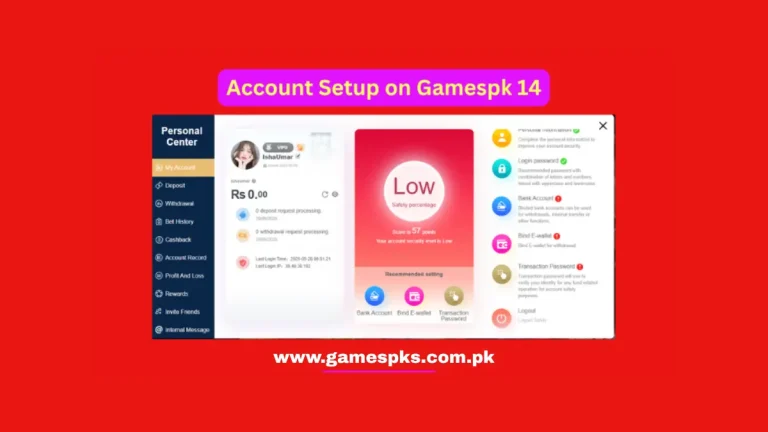
Games PK is a stylish online game that allows players to enjoy their favorite games and win real cash. You need to set a withdrawal password to protect your account, funds, and cash out your winning money safely.
Sometimes users forget their withdrawal passwords or type the wrong password. Then they can not withdraw their funds without correct password because Games PK locks withdrawals. You need to recover your withdrawal password to complete the withdrawal process. Games PK allows its players to reset their passwords without any issues by following the right steps.
How to Reset Withdrawal Password on Games PK?
1. Open App
First of all, open your Games PK app on your Android phone. Log in to your account by using your registered username and password. You must keep your registered mobile number active.
2. Click on the Support Button
After logging in to your account successfully, go to the account menu and choose the support option. You can resolve issues with your account or passwords in this section.
3. Choose Problem Type
You can select your problem type, including account problem, reset password, or reset withdrawal password. Choose the option “Reset Withdrawal Password”.
4. Provide Problem details
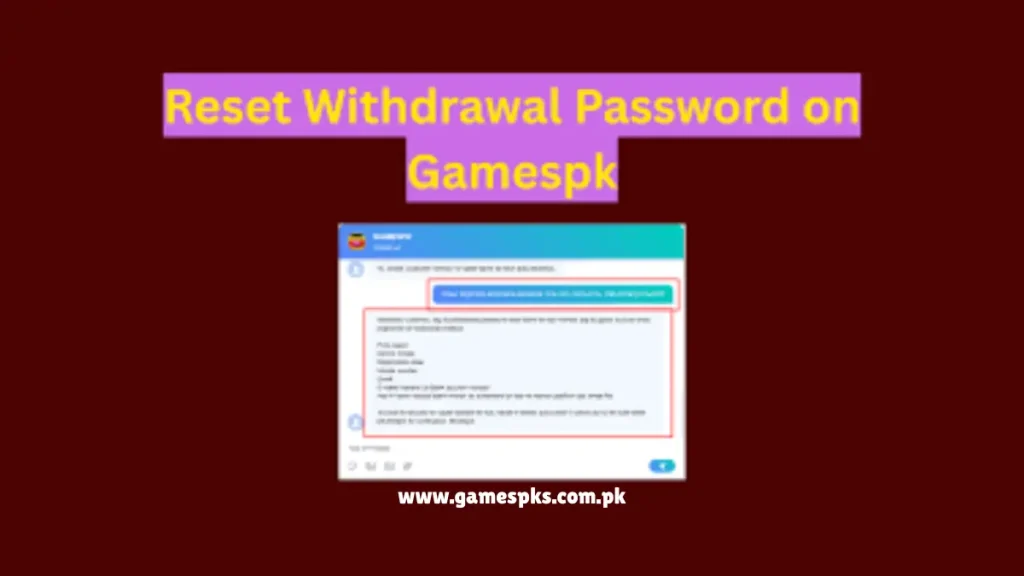
Now write about your problem that you have forgotten your withdrawal password and ask the customer support team to reset your withdrawal password. You must give them your mobile number and account ID.
5. Give Proof
The Customer Support team will ask you to provide a screenshot of your profile. They can ask for the OTP code that you have received from the Games PK platform. Provide all information for a quick process.
6. Wait for Reply
After sending all the details. they will verify your given details. You must be patient, and after verifying your account information, they will give you instructions to reset your withdrawal password.
7. Follow Instructions
You must follow all steps correctly to recover your withdrawal password successfully. Write your new withdrawal password and verify it. Keep your new withdrawal safe and do not share it with anyone.
Security Tips
- Create a password with letters and numbers to make it strong.
- You can receive verification on your registered phone number, so keep it on.
- Do not give your withdrawal password to anyone.
- Write your password and keep it in a private place.
- Update your withdrawal password consistently to keep it safe.
Conclusion
Games PK offers a very easy method to recover your withdrawal password. Follow the given instructions carefully to reset it without any confusion. If you have forgotten your withdrawal password, you can easily reset it by contacting the Games PK customer support team.
You can contact us anytime because the customer support team is available for 24 hours. Provide all details correctly to support the team for quick recovery. An OTP code will be sent to your registered mobile number, and put this code to verify your phone number. By following the right steps, you can enjoy Games PK and cash out your earnings without any issues.